Now on iOS & Android

AI Running Routes in Paris.

RunninParis app screen showing 3D route preview

Generate AI-powered running routes in Paris, scored by parks, trees, sidewalk width, and pedestrian zones — then hit the streets with a live map, blue dot and clear trace that keeps you always on track.

Download on the App StoreGet it on Google Play
Free Forever No Account Open Data
streets evaluated
0+streets evaluated
arrondissements
0arrondissements
scoring factors
0scoring factors

In 3 steps

How It Works

  1. 01
    STEP 1

    AI-Powered Routes
    Loop or Itinerary

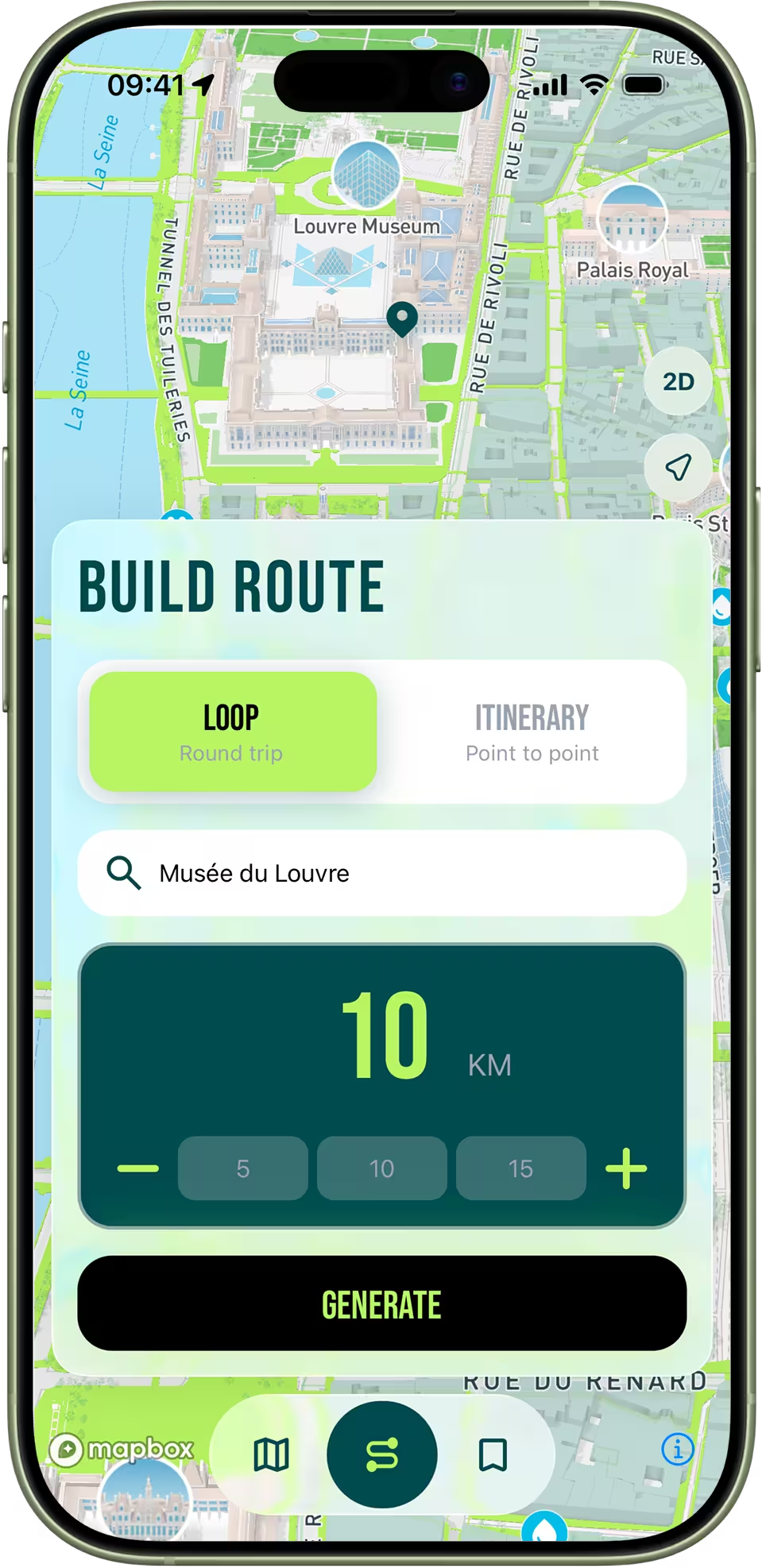
    Enter an address and let our AI algorithm generate the perfect route. Choose between Loop or Itinerary mode.

    App interface for configuring a run with Loop or Itinerary mode selection
  2. 02
    STEP 2

    Map Generations
    See Your Scores

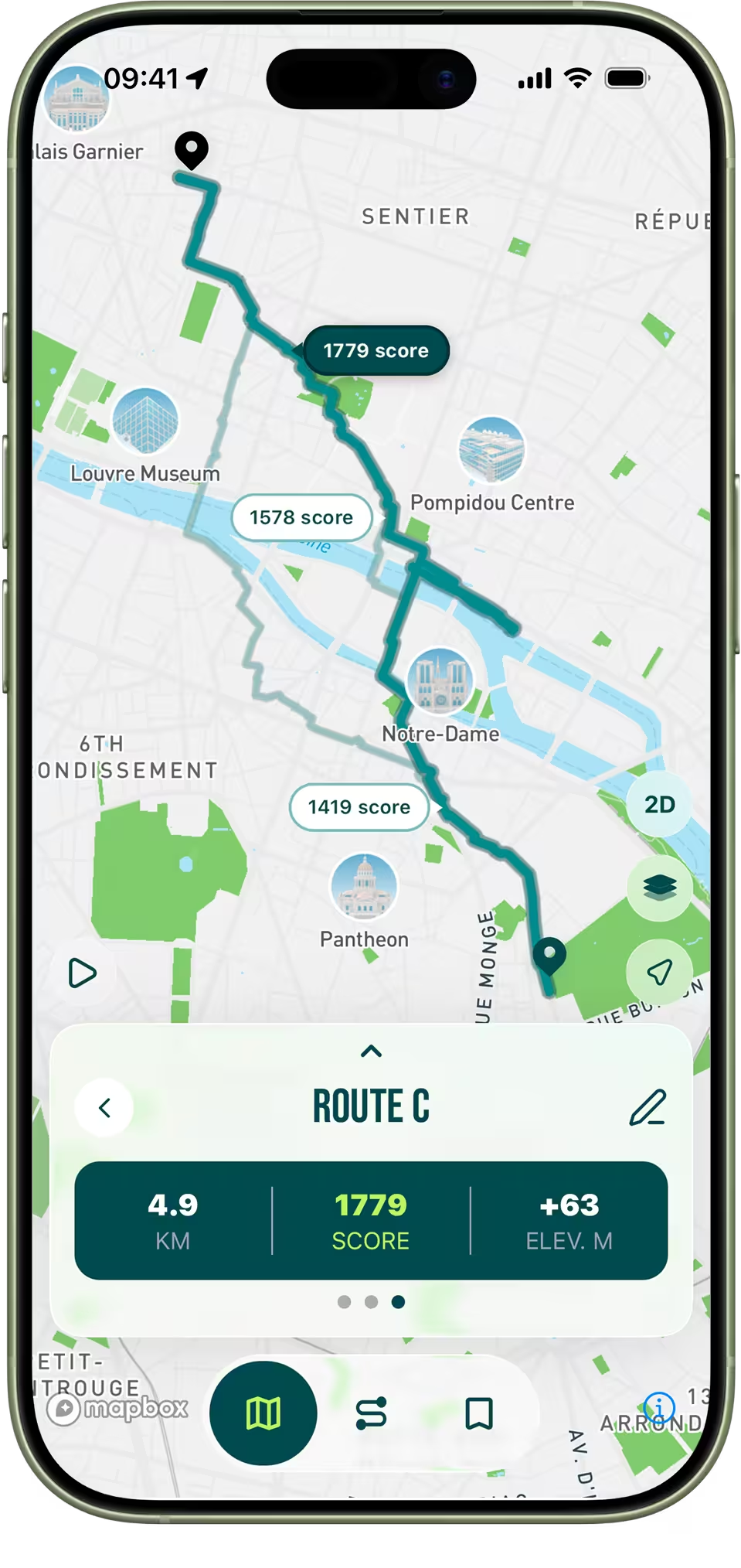
    Get your generated routes displayed directly on the map alongside their overall scores.

    Map view displaying generated routes with their overall scores
  3. 03
    STEP 3

    Compare Routes
    Make the Right Choice

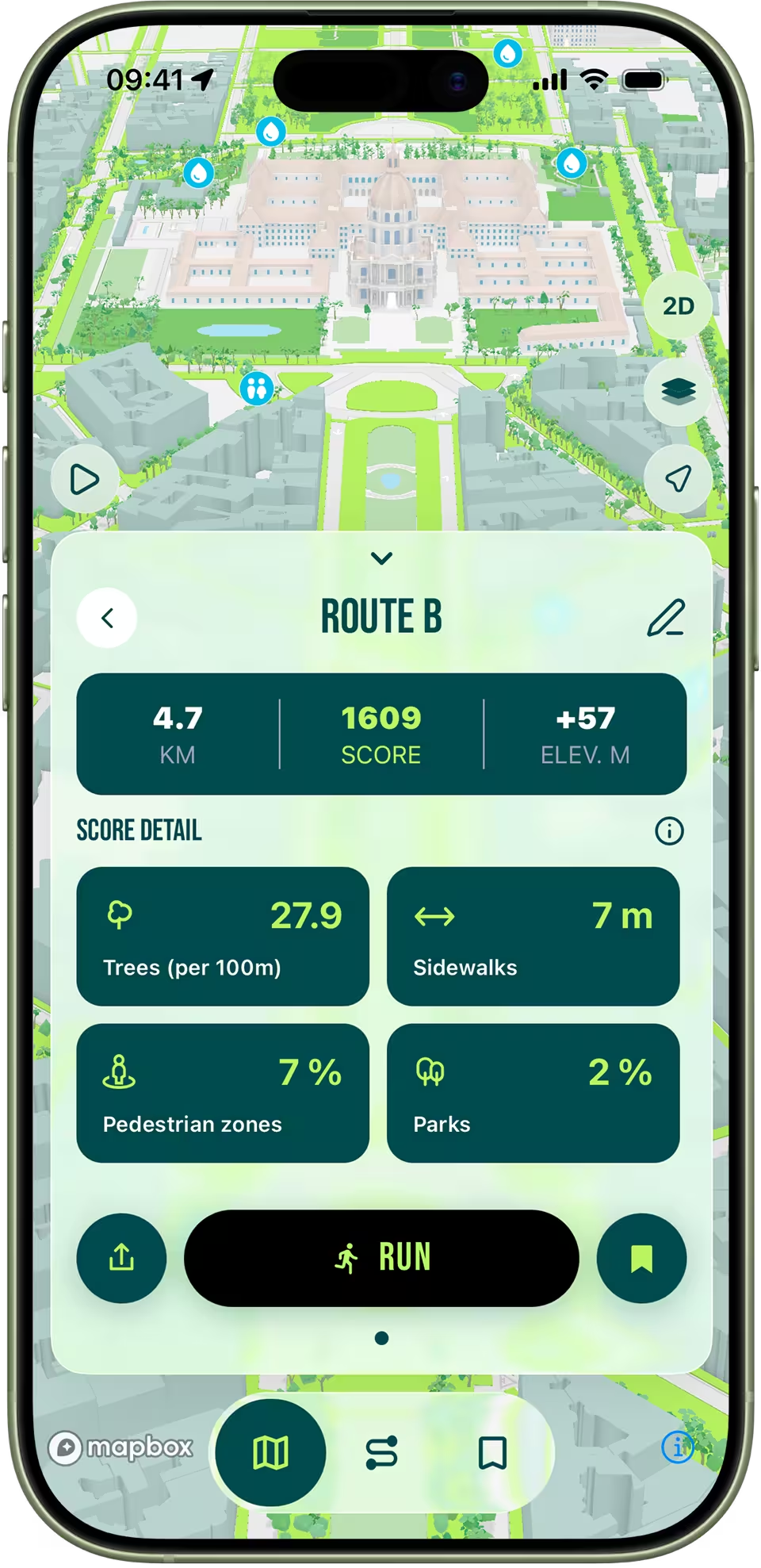
    Get a detailed breakdown and analysis of each route to easily pick the one that fits you best.

    Detailed route score breakdown and comparison screen

Features

Built for Running

Discover why RunninParis is much more than just a map.

NEW
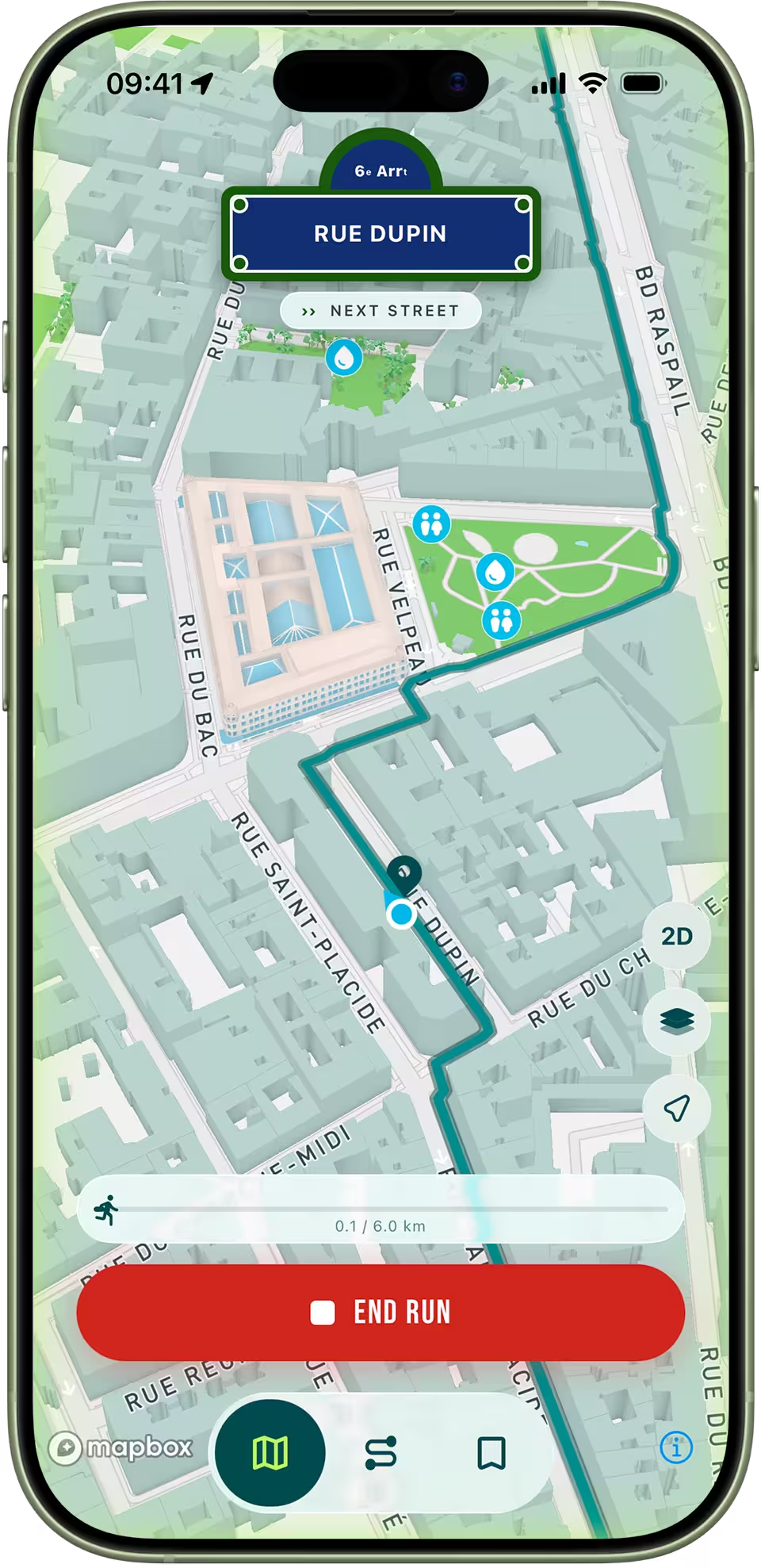
RunninParis Running Mode with the live blue dot tracking the runner on a Paris street

Running Mode

A clean, focused view for when you start running. A live blue dot follows you in real time — no clutter, just your trace, your pace, and turn-by-turn cues.
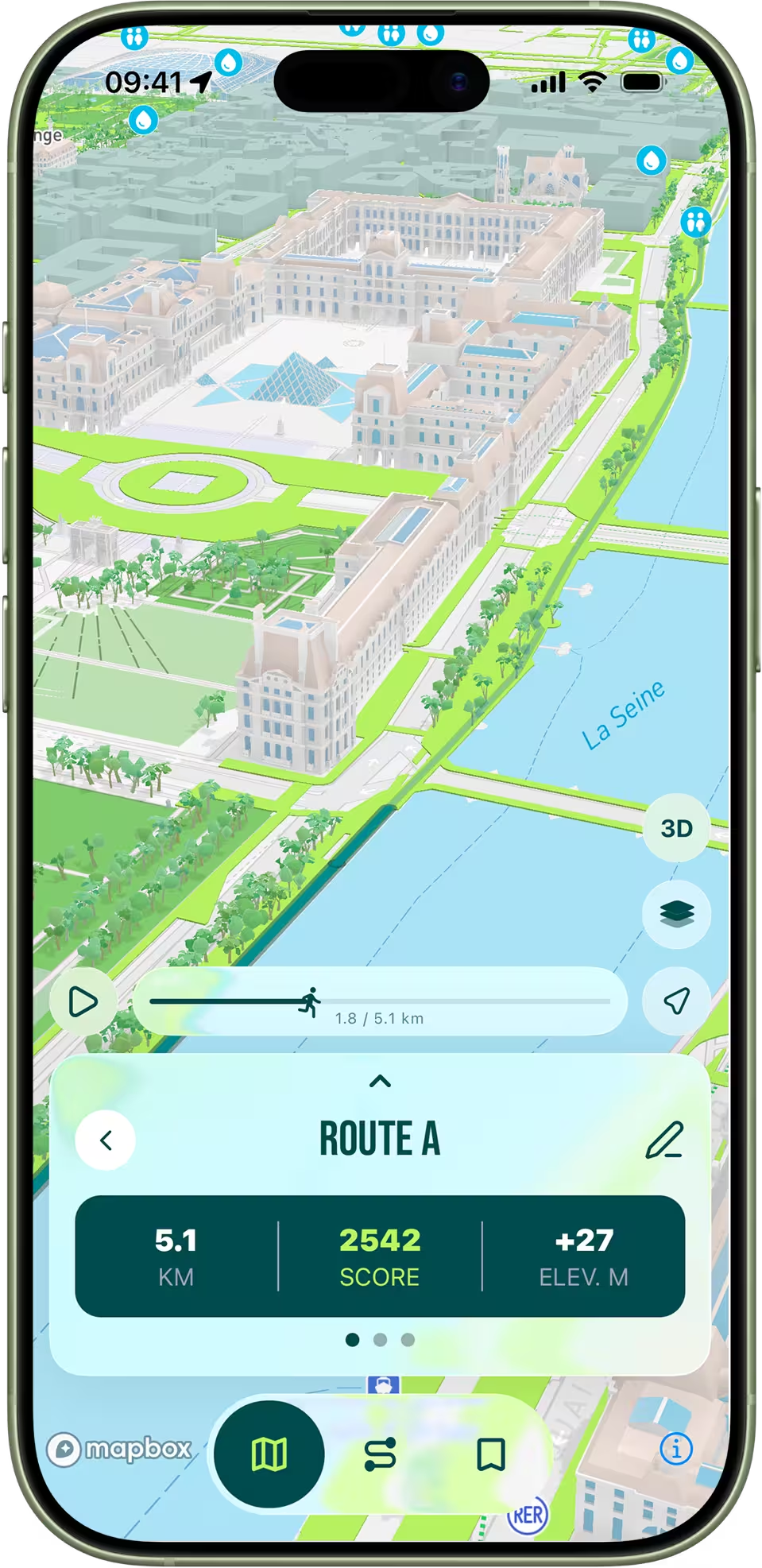
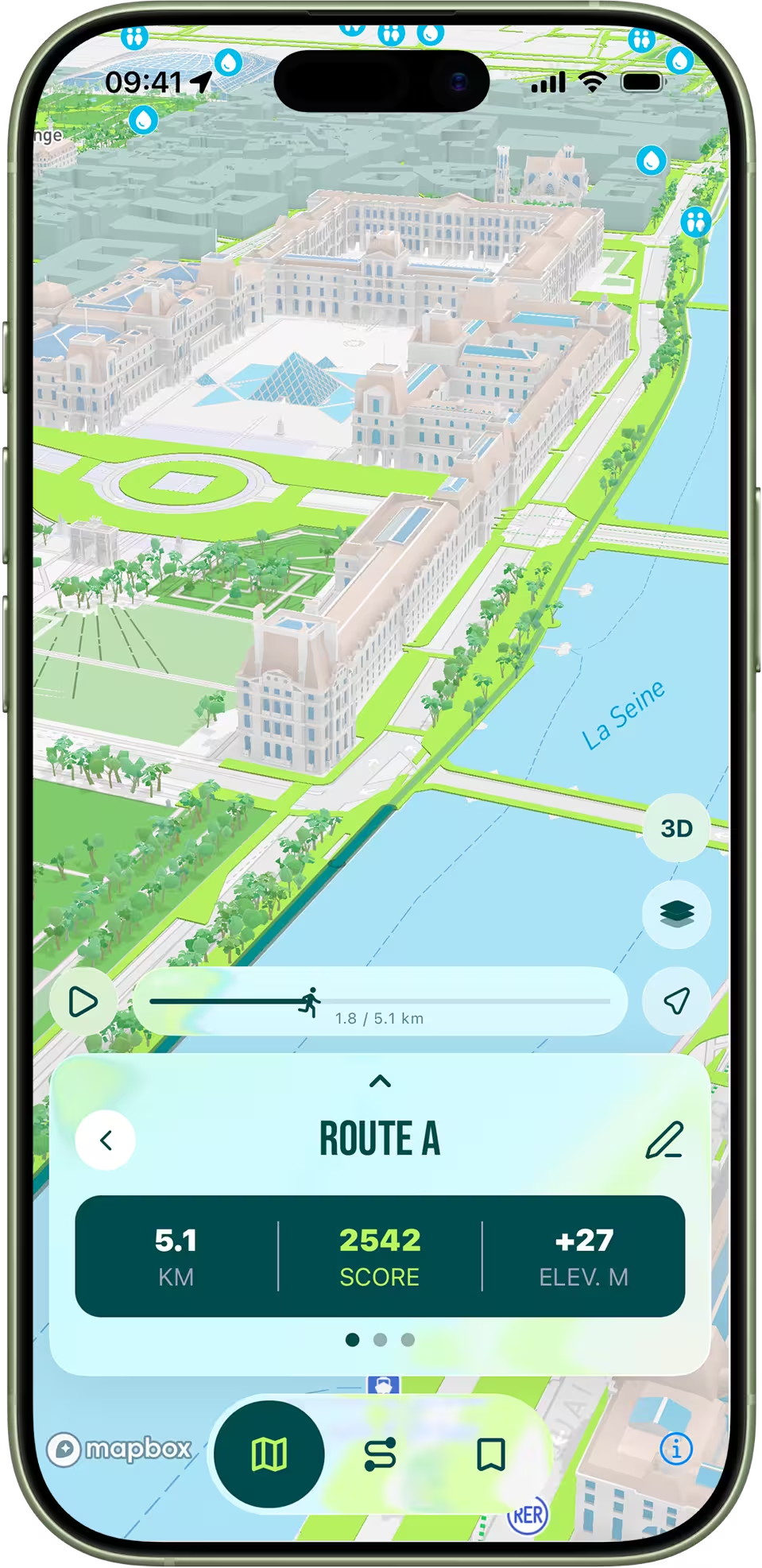
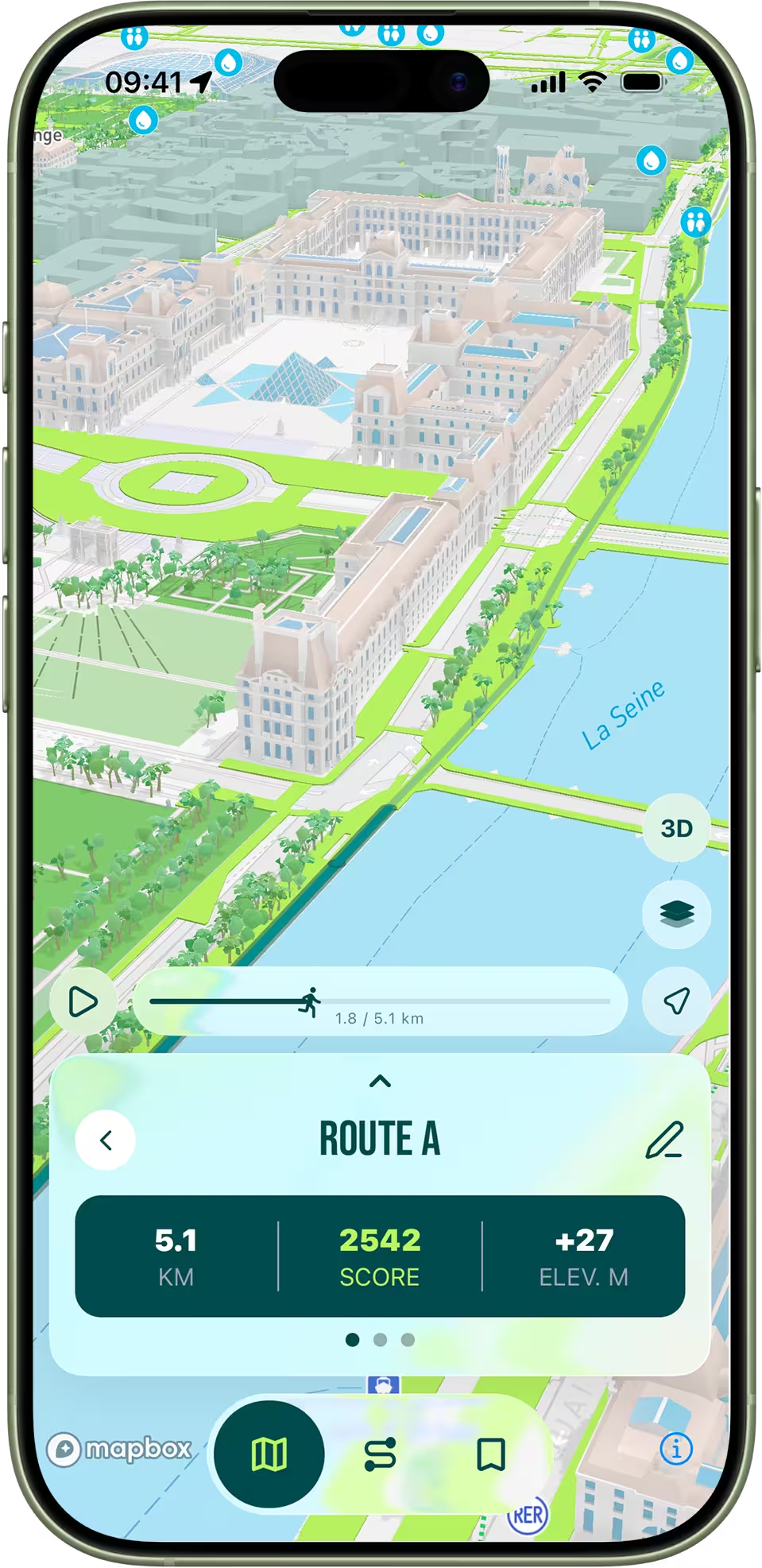
Immersive 3D flyover of a running route through Paris streets and landmarks

3D Preview

Fly through your route in stunning 3D before you run it. Get familiar with turns, landmarks and streets so there are no surprises.
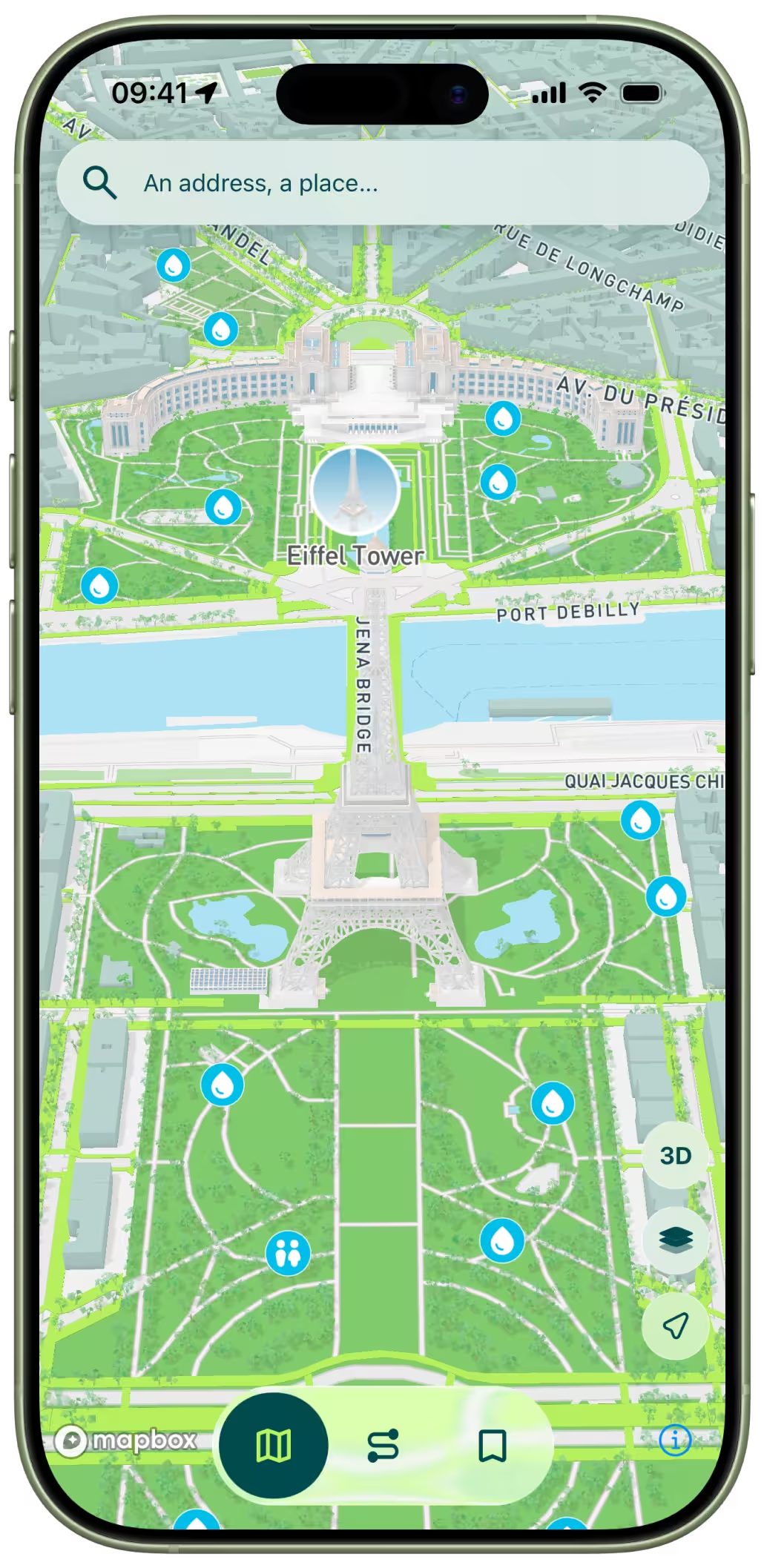
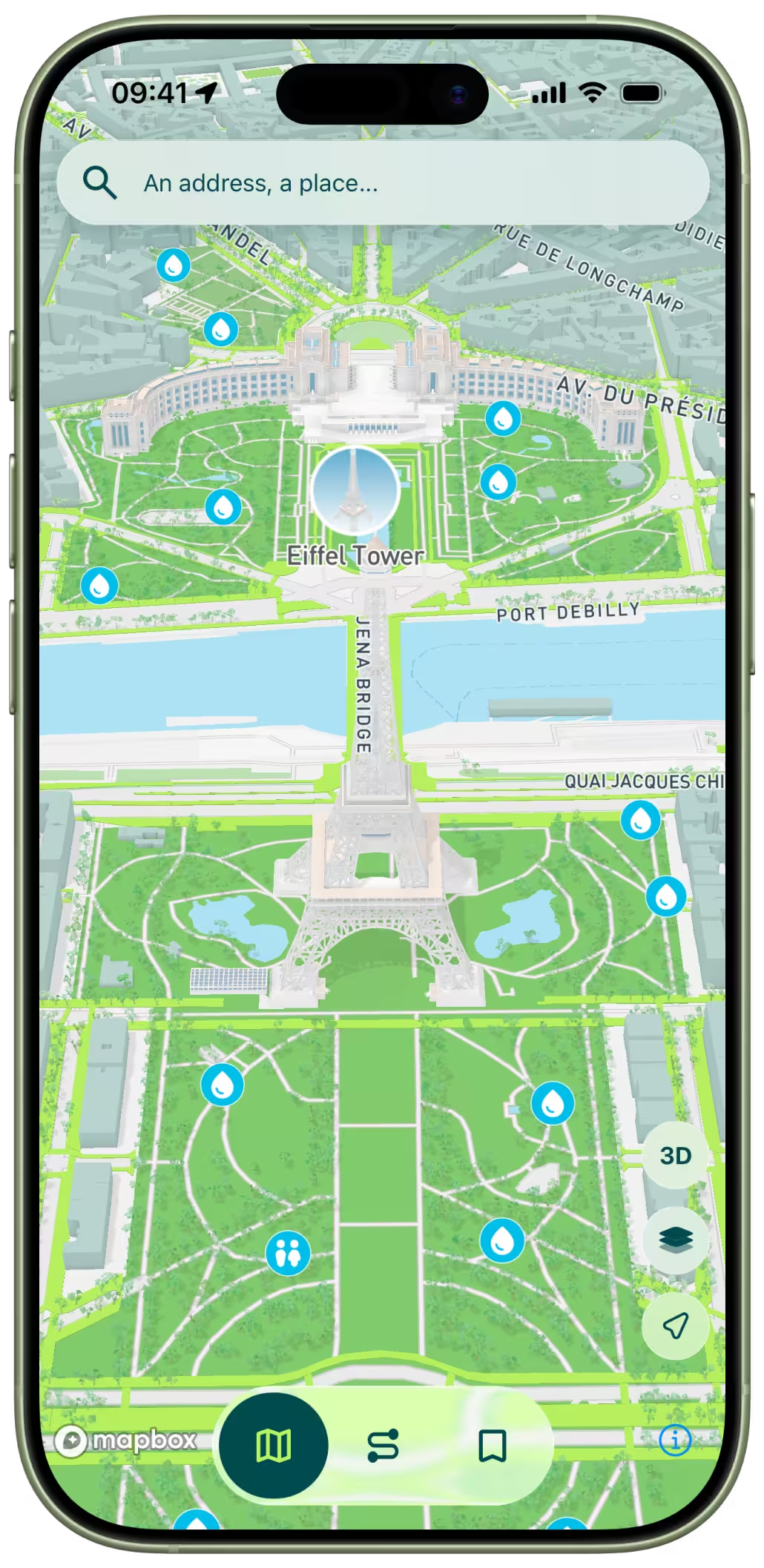
3D map of Paris with per-street running scores pinned across the city

Data-Driven Scoring

Every route is scored from official Paris open data: sidewalk width, tree density, pedestrian zones, parks and more.
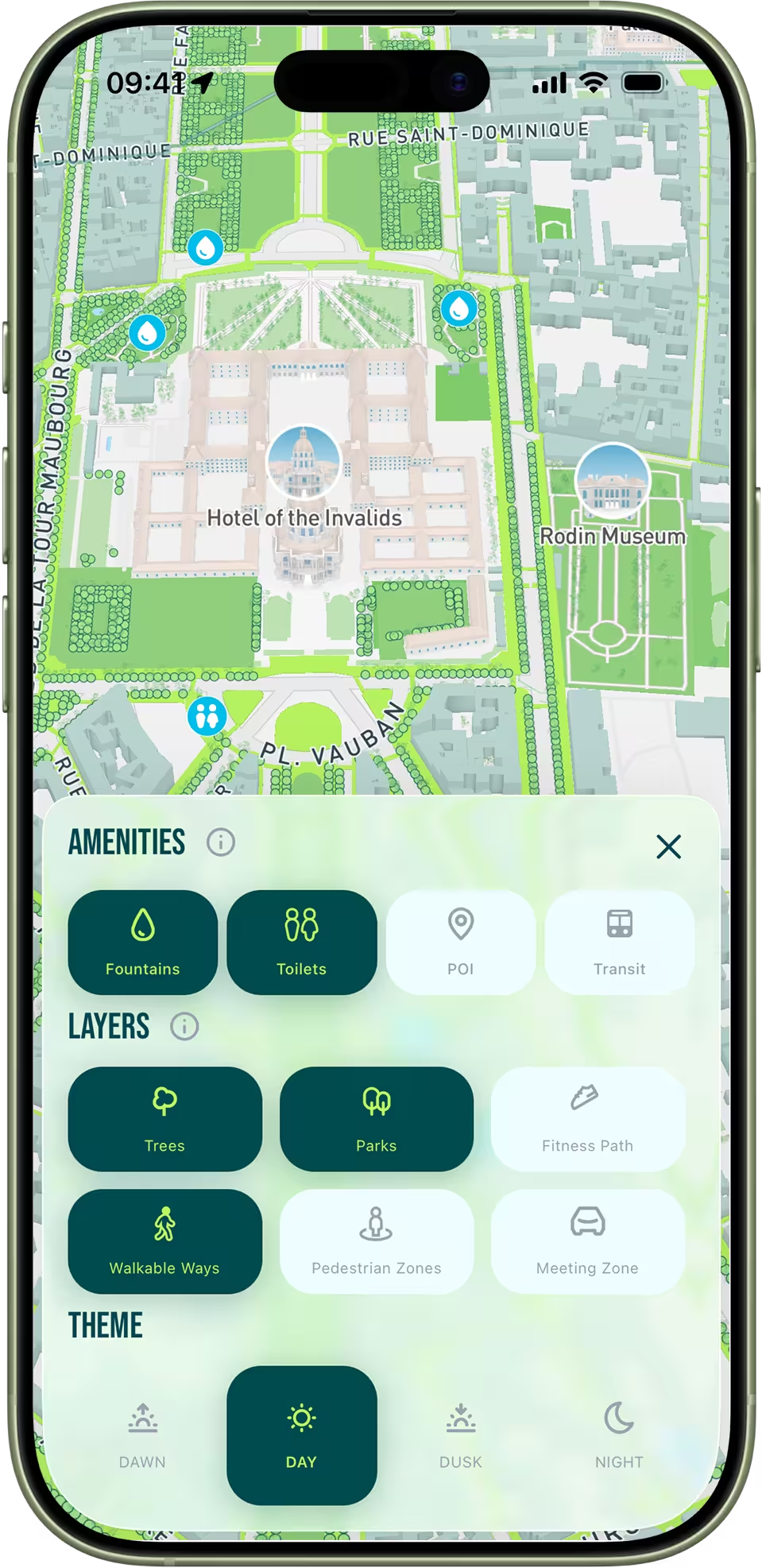
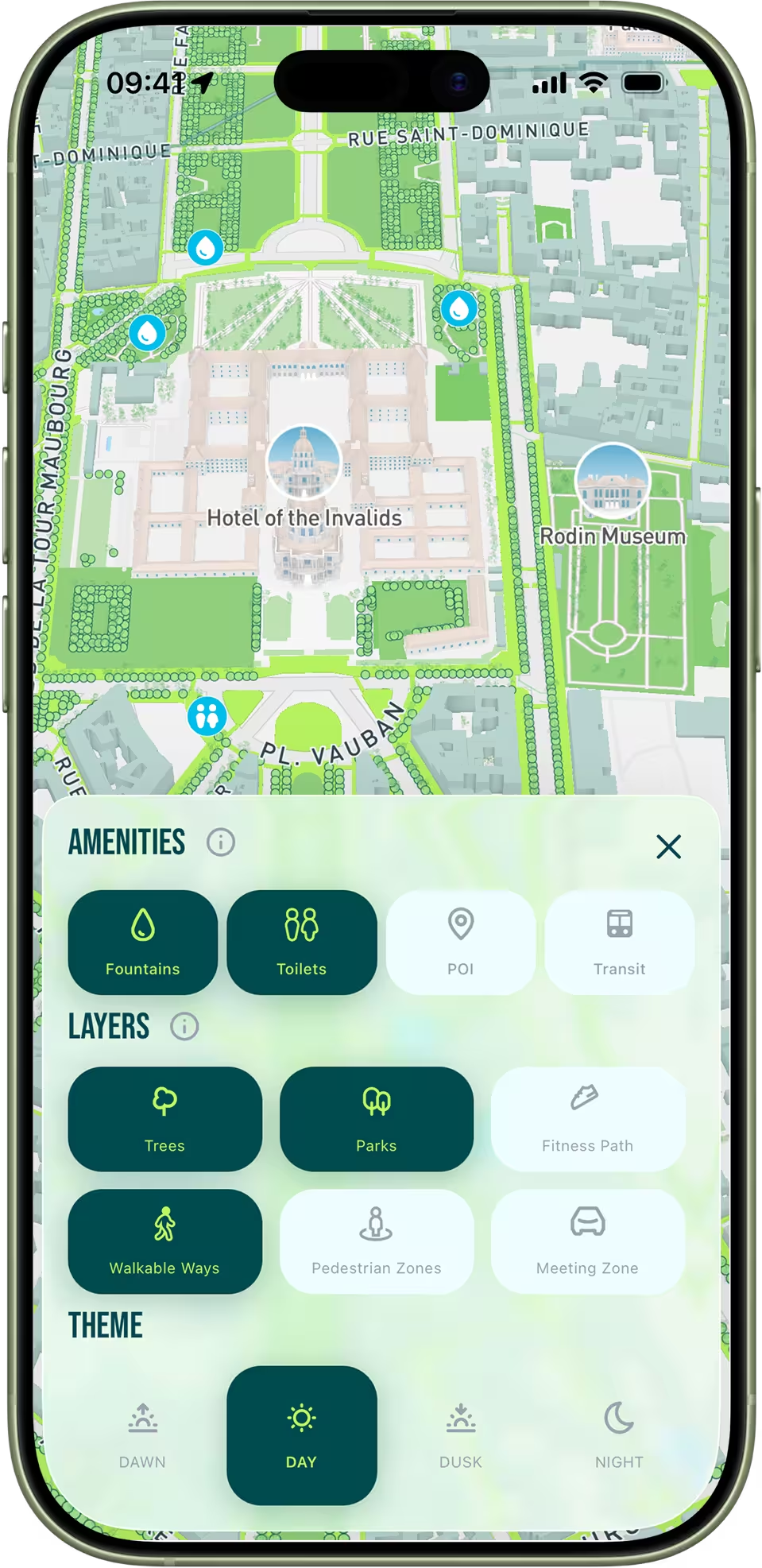
Running-focused Paris map with toggleable overlays, amenities and themes

Running Map

Explore a map of Paris built specially for runners. Toggle amenities, overlays and themes to create your personalized running map.

Detailed score breakdown and comparison chart for running routes

Compare Routes

Not all streets run the same. Get a detailed breakdown of each score and a comparison diagram to pick the route that fits you best.
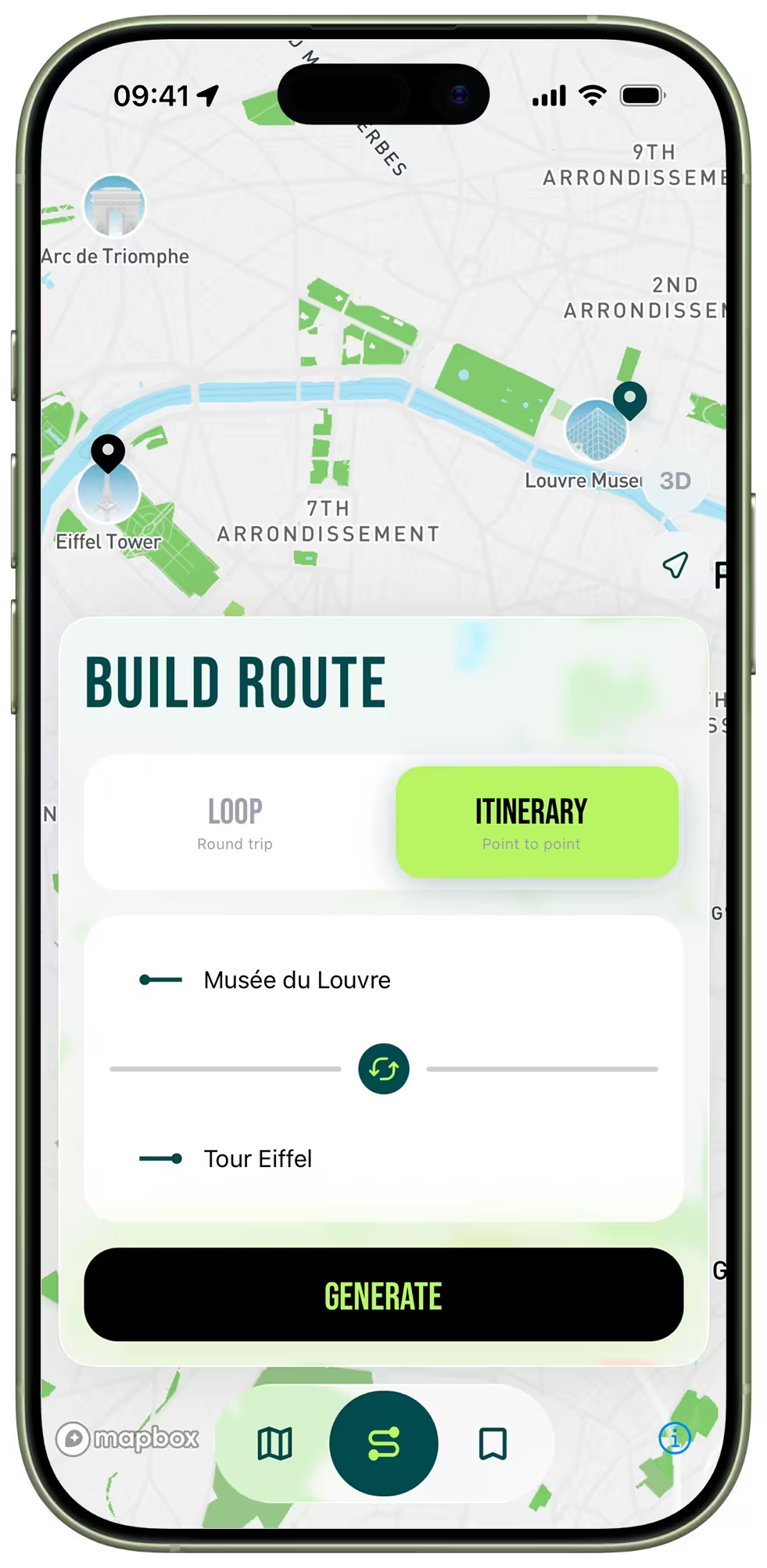
Generating a point-to-point running itinerary between two Paris addresses

Loop or Itinerary

Two ways to build: a loop that brings you back to your starting point, or a point-to-point itinerary between two addresses. The AI optimises either for you.
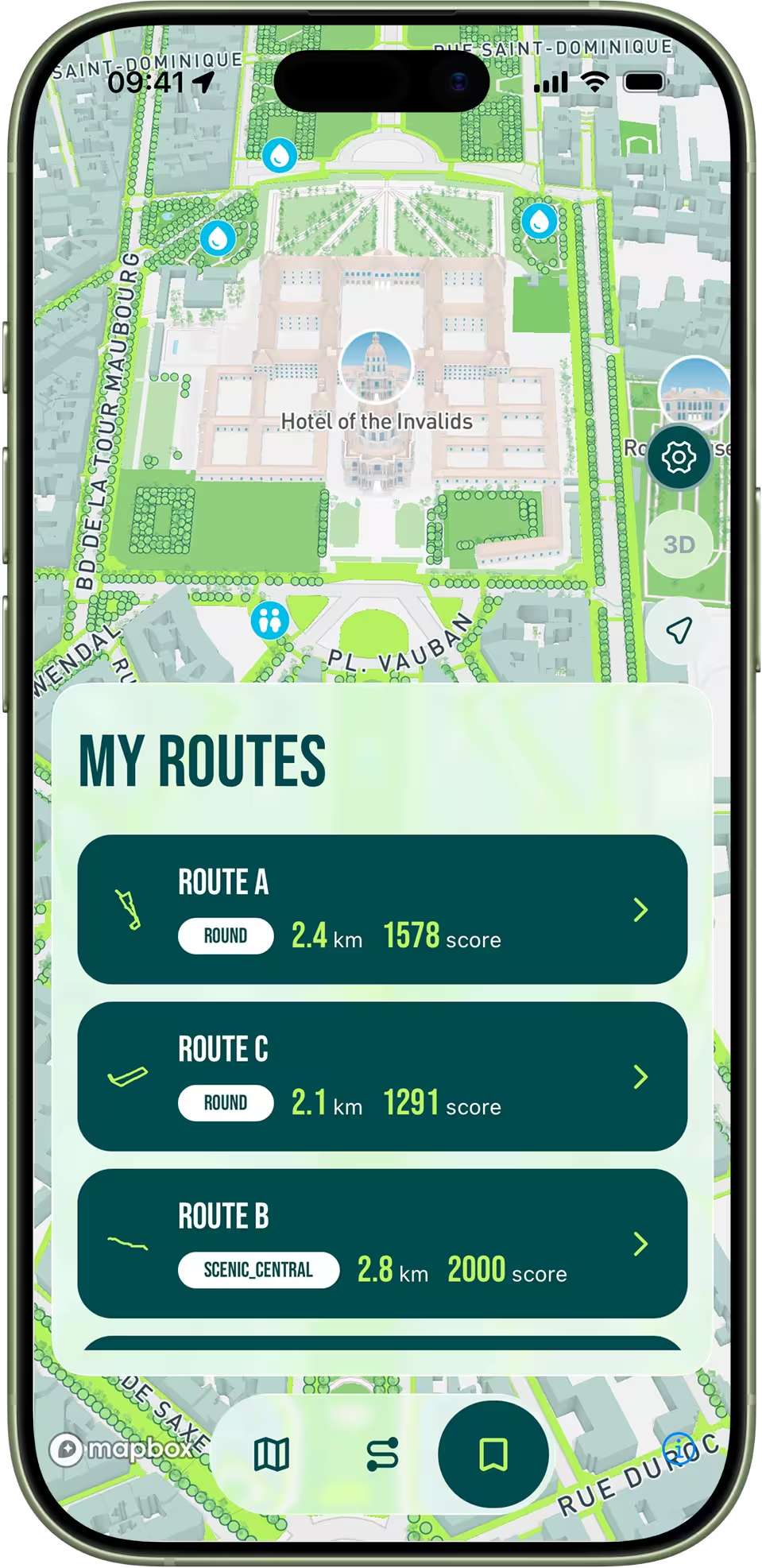
Personal library of saved running routes showing distance and score

Your Library

Save your favourite routes and build a personal library you can pull up before any run — distance, score and start point in one tap.
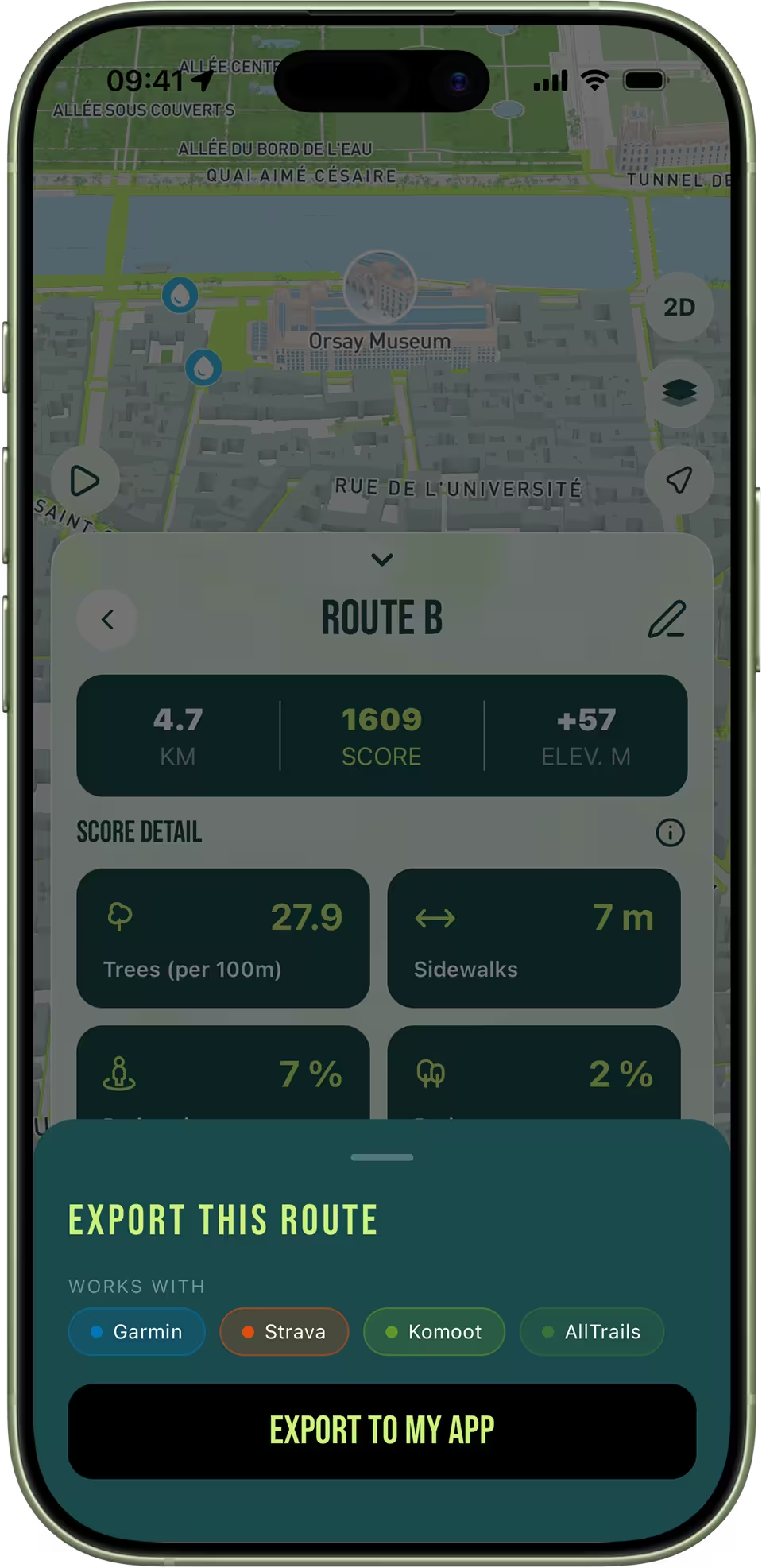
Exporting a running route as GPX to Garmin, Strava, Komoot and AllTrails

GPX Export

Export any route as a GPX file to Strava, Garmin, Komoot, AllTrails or your watch for turn-by-turn navigation on the go.

FAQ

Got Questions?

Everything you need to know before your first run.

Is RunninParis free?
Yes, completely free — no subscription, no in-app purchases, no account required. Download and run.
Do I need an account to use the app?
No account, no sign-up, no email. Open the app, enter an address or use your current location, and generate your first route in under 10 seconds.
How does the AI generate routes?
Our algorithm scores every street in Paris using official city open data — sidewalk width, tree density, parks, pedestrian zones and meeting zones. It then builds routes that maximize that combined score for your chosen distance and mode, so the route it surfaces first is the objectively best-scoring option for where you are.
What is the difference between Loop and Itinerary mode?
Loop mode generates a circular route that starts and ends at the same address — ideal for a training run from home. Itinerary mode generates a point-to-point route between two addresses — ideal for a running commute, running to a friend, or running to a specific destination. The AI optimizes both independently.
What does the route score actually mean?
The score (0–100) reflects how pleasant the route is to run based on six measurable factors: sidewalk width, parks, tree density, pedestrian zones, meeting zones and official fitness paths. A score above 70 means the route mostly uses wide, green, car-free streets. Two routes of the same distance can feel very different — the score breakdown shows you exactly why.
Can I use my routes with Strava, Garmin, Komoot or AllTrails?
Yes — every route can be exported as a standard GPX file and imported into Strava, Garmin Connect, Komoot, AllTrails, Suunto, Coros, Polar or any app or watch that accepts GPX. You get turn-by-turn navigation on your wrist or in your usual training app.
Does the app work offline?
Route generation requires an internet connection (the AI needs to query street data). Once a route is generated, the running map works with cached tiles. Exported GPX files work completely offline in any compatible app.
Is RunninParis available on Android?
Yes — RunninParis is available on both iOS (App Store) and Android (Google Play). Both versions are free and receive the same updates.
How do I choose between the generated routes?
Look at the overall score first, then open the breakdown to compare individual factors: parks, trees, pedestrian zones and sidewalk width. The app also shows a radar chart comparison across generated options. A higher score on parks means more green running; a higher score on pedestrian zones means fewer cars.
What data does the map use?
All scoring data comes from the City of Paris Open Data platform — the same datasets the city uses for urban planning. Map geometry comes from OpenStreetMap. Both are official, public and regularly updated. We refresh the street scores whenever the city publishes new data.

Ready, set, run

Run Paris Differently.

Free on iOS & Android — no account, no subscription.

Download on the App StoreGet it on Google Play
100% Free No account GPX Export